The Story Maker,
now native.
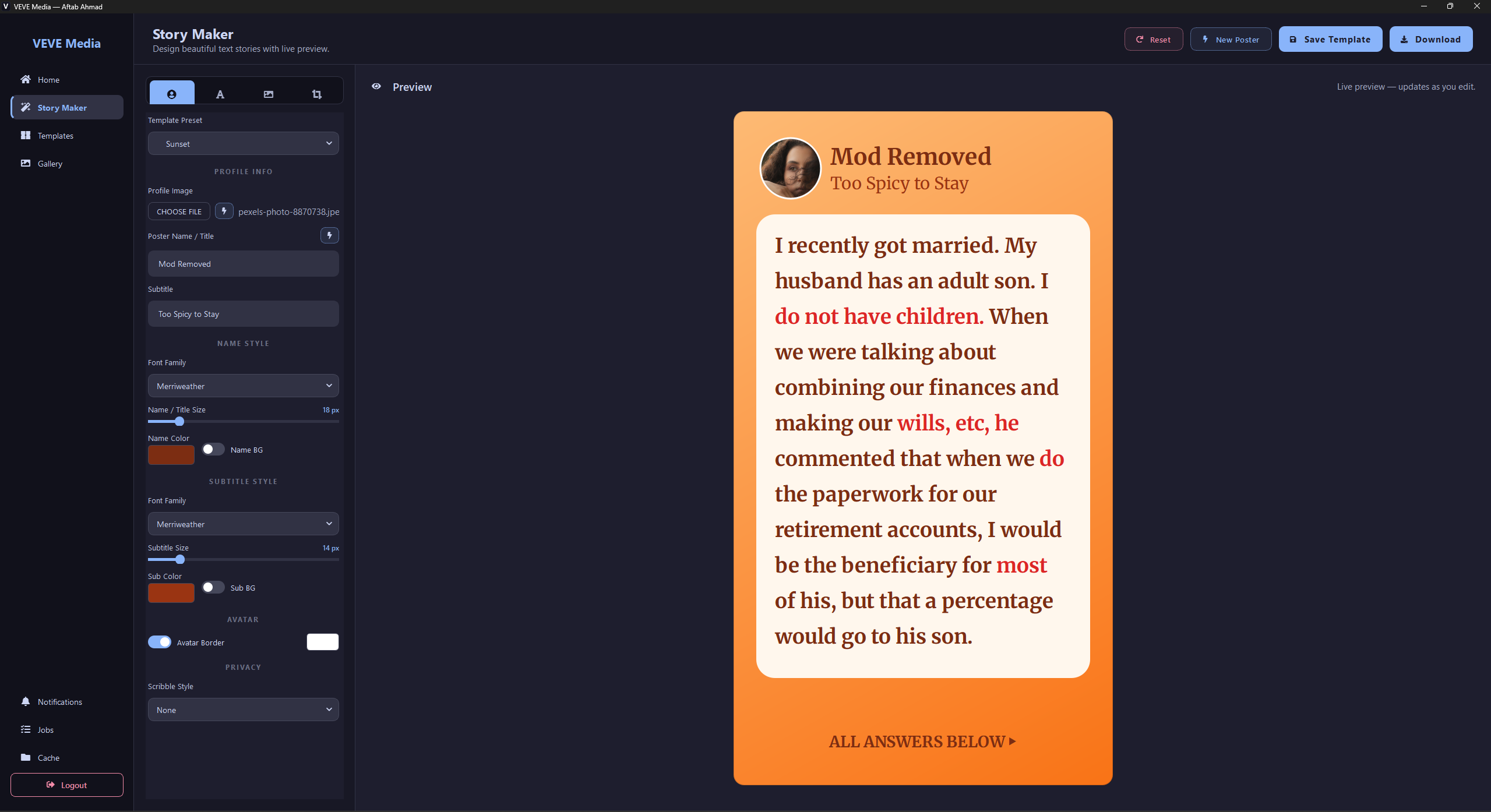
VEVE Media turns your Story Maker into a fast, focused desktop & Android app — with native fonts, faster rendering, and a 100,000+ AITA story library that grows by 100+ posts every day.
Free · No sign-up beyond your VEVE Media account · Auto-updates · View all releases
A focused, native experience
Built from the ground up for desktop and Android — same Story Maker you know, faster and quieter on every screen.
What's inside
Everything the web app had — and a few things only a native app can do.
Faster rendering
Native canvas + GPU compositing means your story preview updates in real time, even with heavy backgrounds.
Native fonts
Use any font installed on your system, plus our curated font pack. No more "fallback to Arial".
100K+ stories, growing daily
Pull a fresh AITA story with one click. New posts added every day — 100+ daily, automatically.
1M smart poster combos
1,000 ready-to-use poster headers × 1,000 footer call-to-actions, mixed randomly on demand.
Pexels & Pixabay built in
Search royalty-free photos & videos for your background — no leaving the app.
300K+ music tracks
Royalty-free Jamendo browser with mood chips. Pick a track, drop into your video, done.
Voice narration
Built-in text-to-speech in 21 natural voices (US, UK, AU, IN) — perfect for narrated story videos.
Auto updates
Quietly fetches the latest version in the background. No manual reinstalls.
OS notifications
Important updates from the team appear as native notifications on Windows and Android, even if the app is minimised.
Get the apps
Latest stable builds, ready to install on desktop or phone.
System requirements
- · Windows: 10 or 11 (64-bit), 4 GB RAM, 500 MB disk
- · Android: 8.0 (Oreo) or newer, 200 MB free space
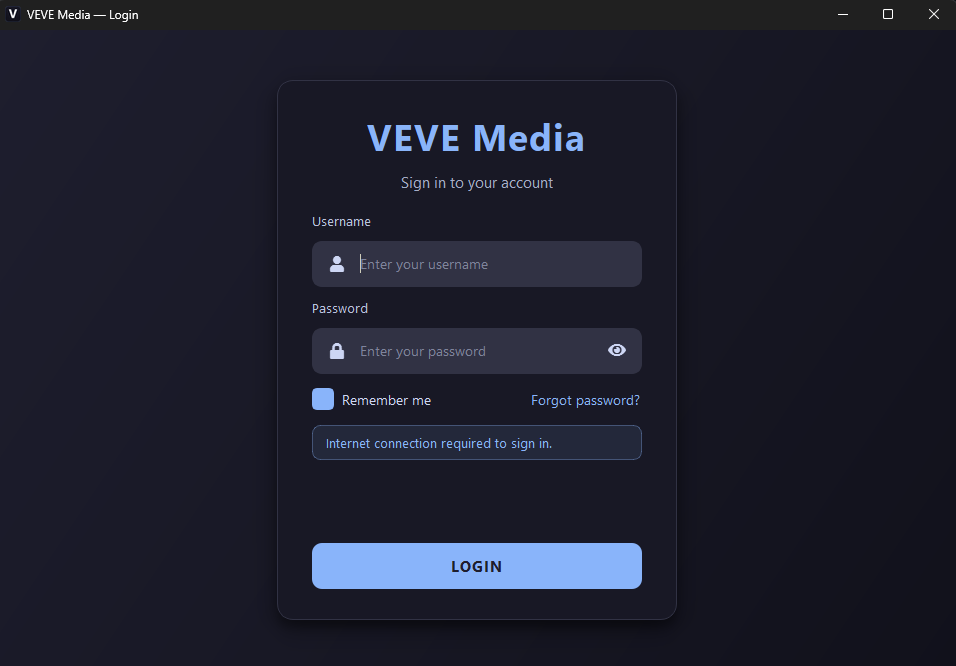
- · Internet connection for sign-in & story library
Frequently asked
Is VEVE Media free?
Yes — both the desktop app and the Android app are free to download and use. You sign in with your existing VEVE Media account, the same one you used on the web.
What about macOS and Linux?
Windows is our first target. macOS and Linux builds are on the roadmap; subscribe to the GitHub releases page to be notified when they ship.
Is there an Android app?
Yes — VEVE Media for Android v1.2 is now available as a direct APK. Use the Download for Android button at the top of the page (or the Android row in the download details) to grab the latest build. Sign in with the same VEVE Media account you use on desktop and the web.
How do I install the Android APK?
Tap the downloaded .apk file from your browser or file manager. Android will ask you to allow installs from this source the first time — that's expected for any app installed outside the Play Store. After that, future updates install just like any other app.
How do updates work?
The desktop app checks for updates automatically and installs them in the background. On Android, when a new APK is published you'll see an in-app notification — tap it to grab the update from this page.
Can I still use Story Maker in the browser?
The browser version has been retired in favour of the native app. All your saved templates, gallery items, and BG favourites stay in your account — sign in with the desktop app to access them.
Is my work synced across devices?
Yes. Templates, saved gallery items, and account settings are synced via your VEVE Media account, so signing in on a new device gives you everything back.
Ready to go native?
One click. Two minutes to install. The full Story Maker experience — faster on desktop, on the go on Android.
Free · Auto-updates · Windows 10 / 11 (64-bit) & Android 8.0+